Pick up on the right page
Update your progress from the library or during a reading session.
Track your progress and sessions, then revisit the dates, pages and ratings for every completed read. Starting a book again does not replace its earlier history.
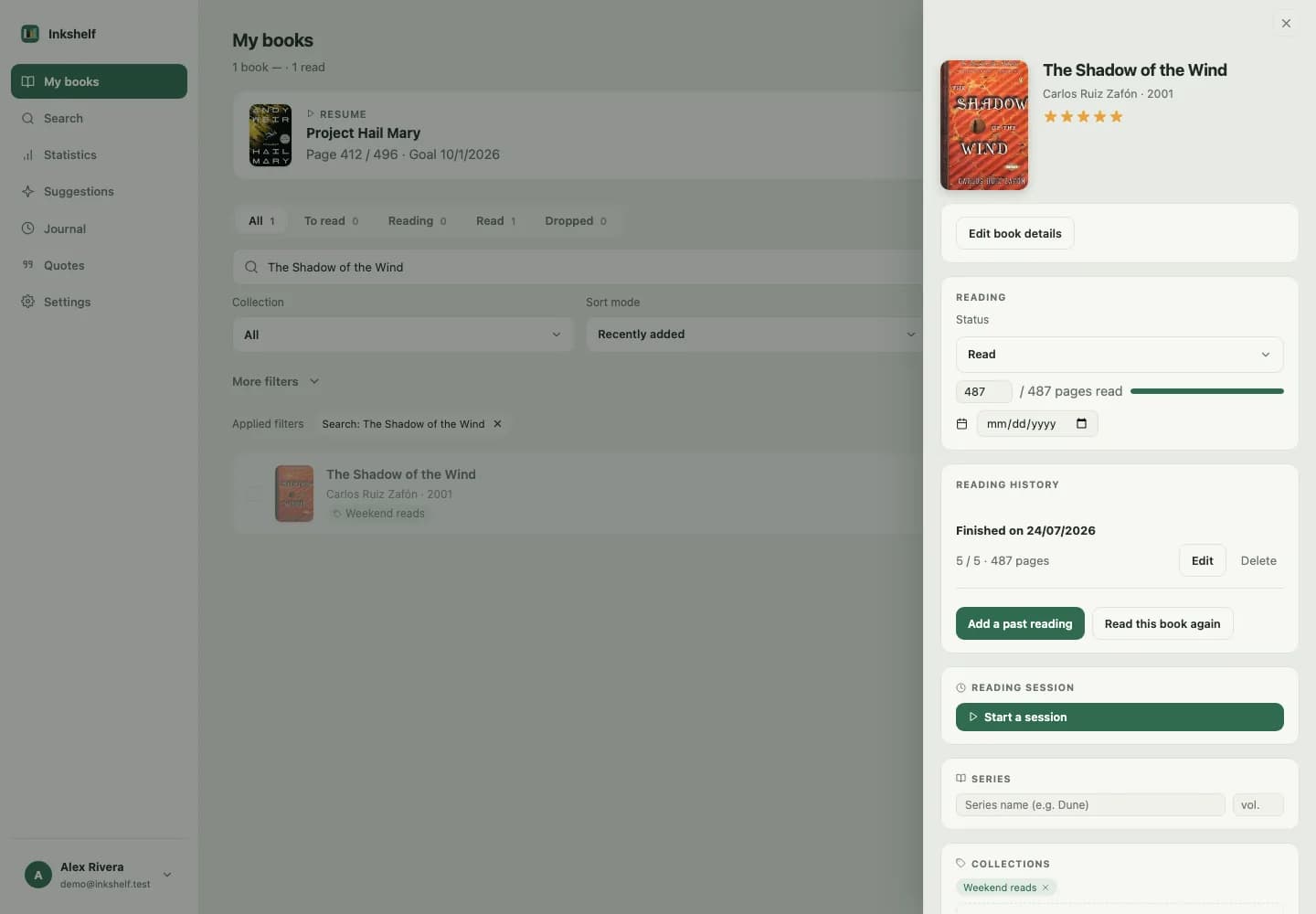
A book in progress, a completed read and a reread are different moments. Inkshelf keeps them separate so you can look back on each one.
Update your progress from the library or during a reading session.
View and edit the dates, pages and ratings for every history entry.
Goals and statistics use your past reads, including rereads.
Its record keeps the status and your current page.
Track time spent reading and pages covered.
A completed read joins your history. A reread creates a new entry.
No. Each completed read keeps its own date, page count and rating.
Yes. You can edit the details of a past read from the book history.
Add one, set your page and pick it up when you have time.
Create your account