Combine filters
Refine by status, collection, series, language, shelf location, rating or page count.
Filter your list by status, collection, series, language, rating, page count, shelf location or loan. Save the views you use often.
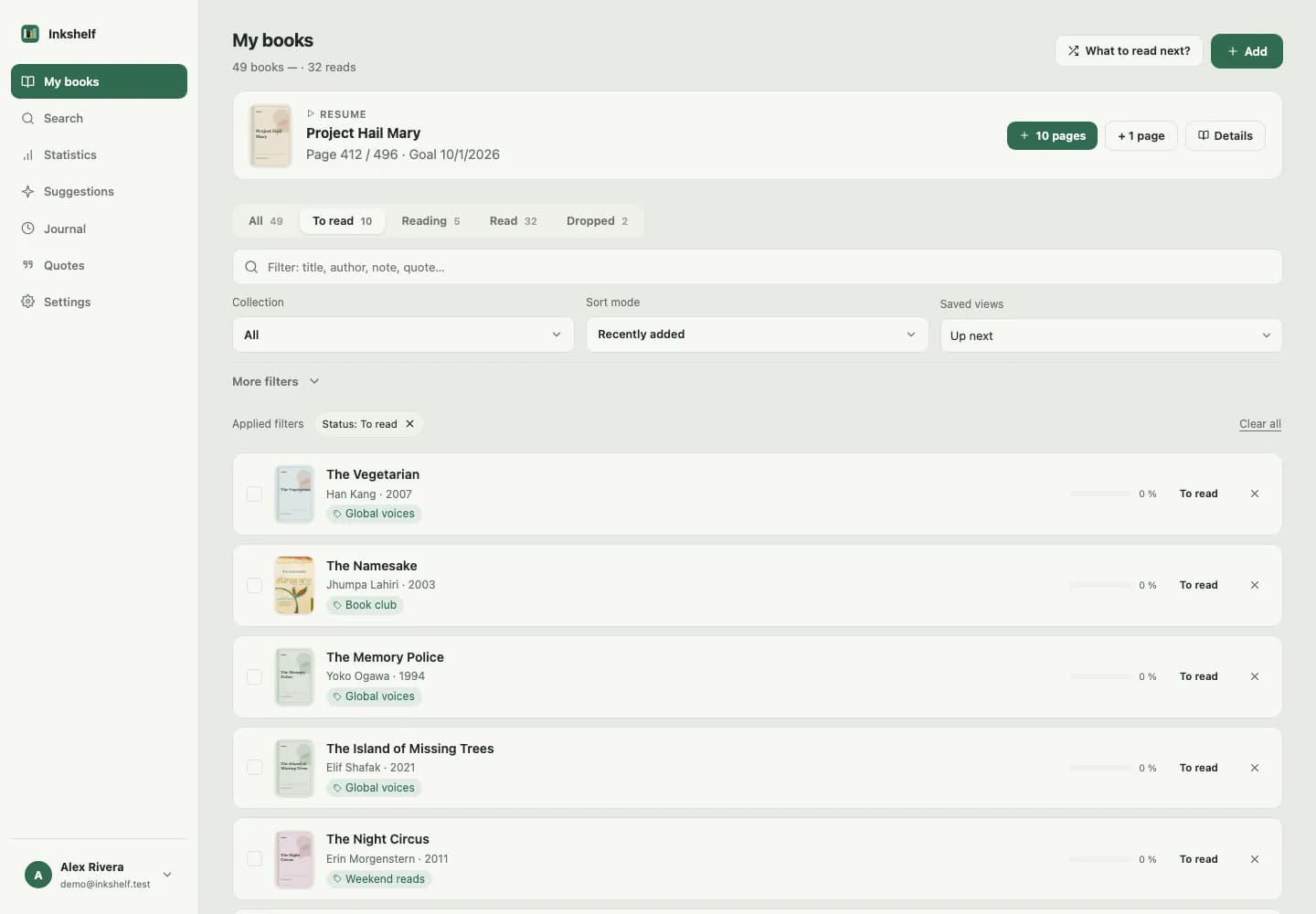
Whether you are choosing your next read or looking for a loaned book, narrow the list to the details that matter to you.
Refine by status, collection, series, language, shelf location, rating or page count.
Save your filters and sorting to reopen a selection in one click.
Select multiple books to update their status, ownership or collection together.
Record who borrowed a book, when it is due and keep a history of returned loans.
Add the book manually and enter the details you know.
Find a specific edition and fill in available catalogue details.
For example: books to read in French from a particular collection.
Return to the same selection without setting the filters again.
Open one book or apply a change to several at once.
Yes. Manual entry lets you create a record and add the details you have.
Status, collection, series, ownership, loan, language, shelf location, rating and page count.
Add one, set your page and pick it up when you have time.
Create your account