A clear preview
Review new books, duplicates and invalid rows before confirming.
Import a Goodreads CSV or an Inkshelf export. Review duplicates and invalid rows before choosing what to skip or complete.
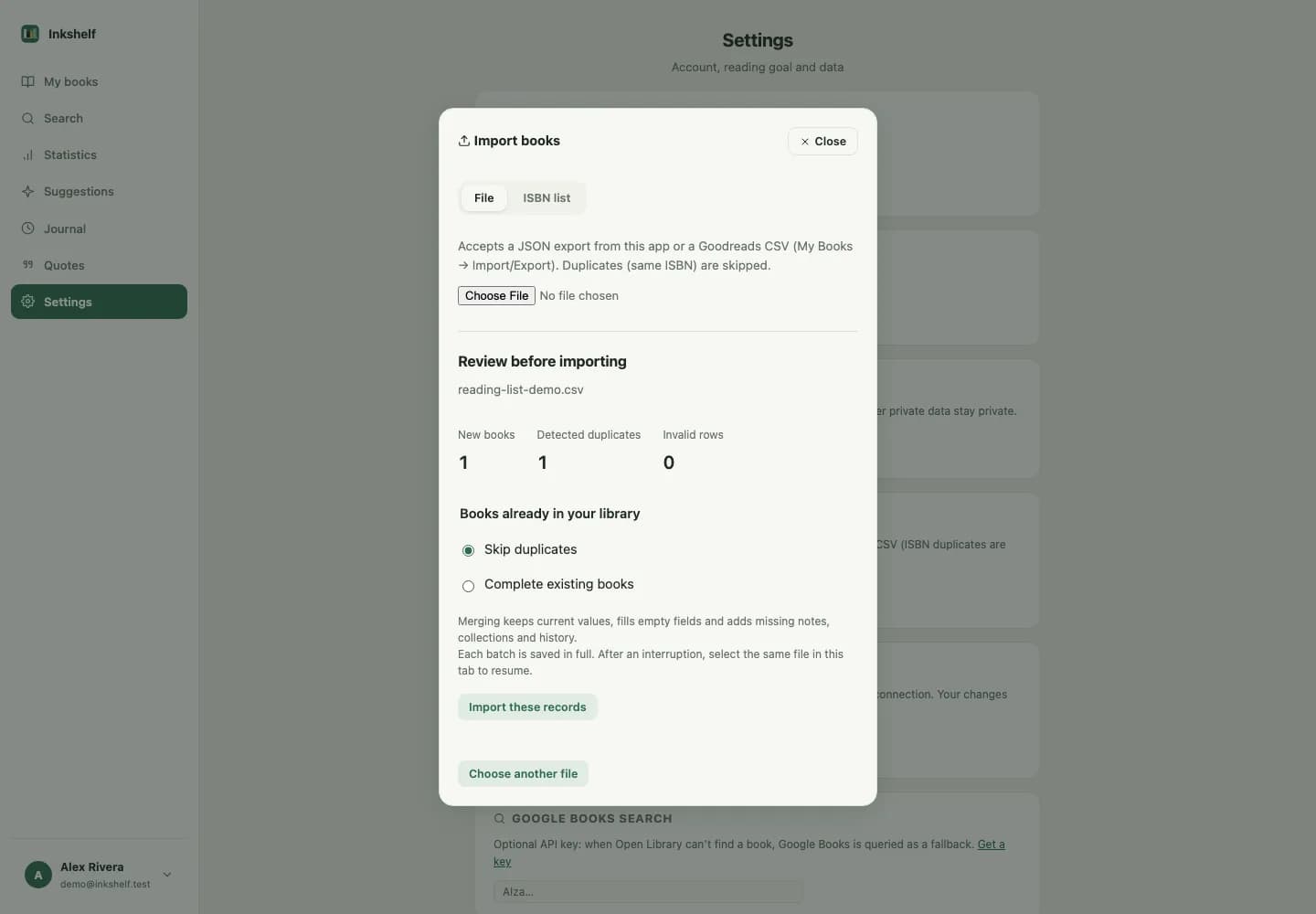
Every import begins with a preview. Choose how to handle books already in your library, and resume if your connection drops.
Review new books, duplicates and invalid rows before confirming.
Fill empty details and add missing records without replacing your current status or progress.
The versioned JSON includes books, collections, completed reads, loans, quotes and goals.
Use a Goodreads CSV export or an Inkshelf JSON file.
Choose to skip them or complete the records already in your library.
Saved batches are kept if you need to resume after an interruption.
Merging keeps the status and progress already in Inkshelf while filling empty details and missing history.
Yes. The versioned JSON export includes reading history, loans, quotes, collections and goals.
Add one, set your page and pick it up when you have time.
Create your account