Download your library
Prepare it while online on every device where you want offline access.
Prepare a copy of your library on this device. Offline, you can browse your books and update progress or notes; those changes wait for a connection before syncing.
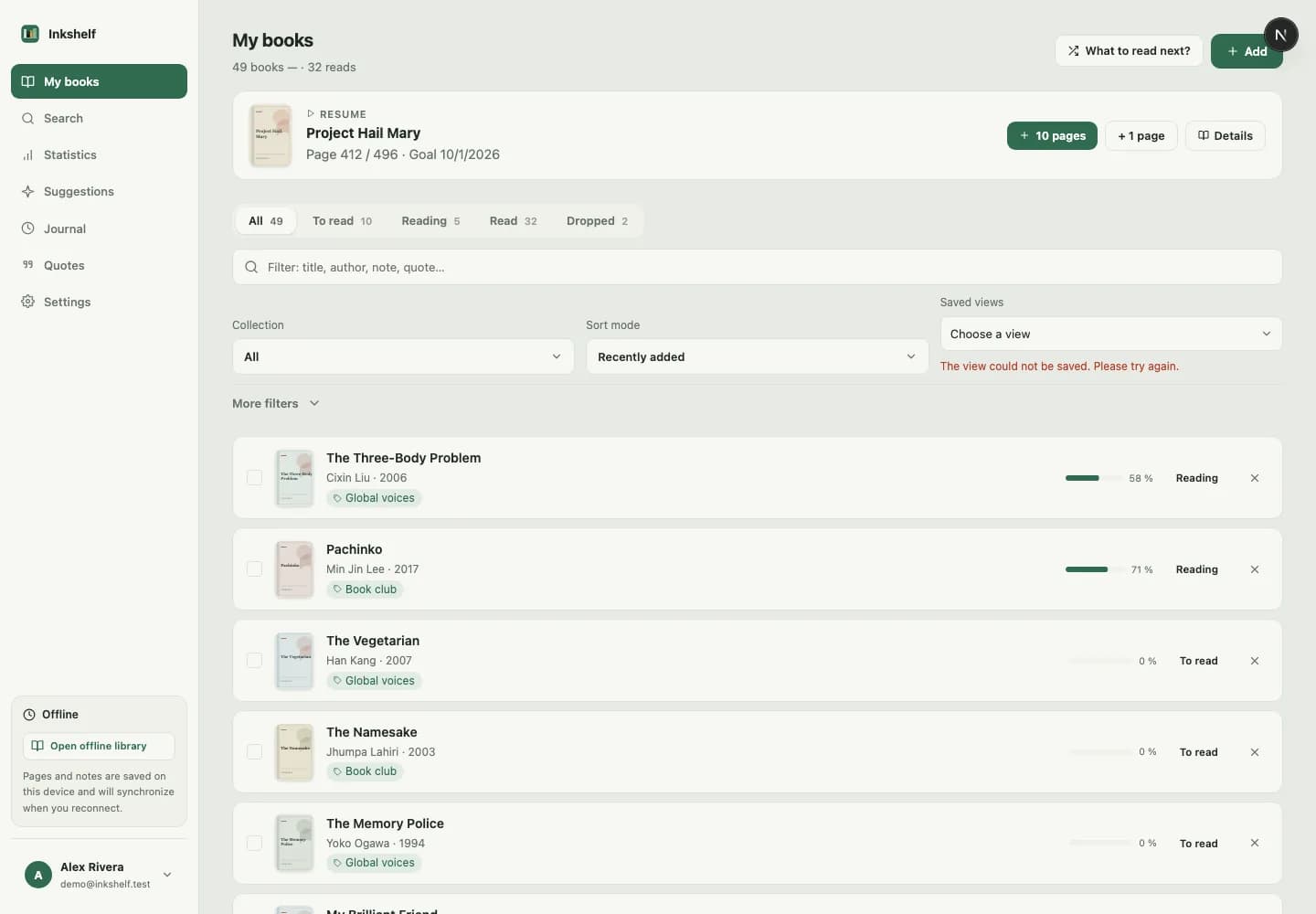
The offline copy belongs to the browser and account used to prepare it. It lets you keep browsing your library and recording your progress.
Prepare it while online on every device where you want offline access.
Supported changes are stored on the device until you reconnect.
Changes are sent when the connection returns. If there is a conflict, choose which version to keep.
Download the full library before you leave.
Open your books and update progress or notes.
Inkshelf syncs pending changes with your account.
Prepare it separately in each browser and on every device where you need it.
Reading progress and notes. Pending changes sync when you reconnect.
Add one, set your page and pick it up when you have time.
Create your account