Link every passage to its book
Keep the text with its title, author and page number when available.
Each quote stays linked to its book and page. Search your passages in the notebook or filter by book, author and subject.
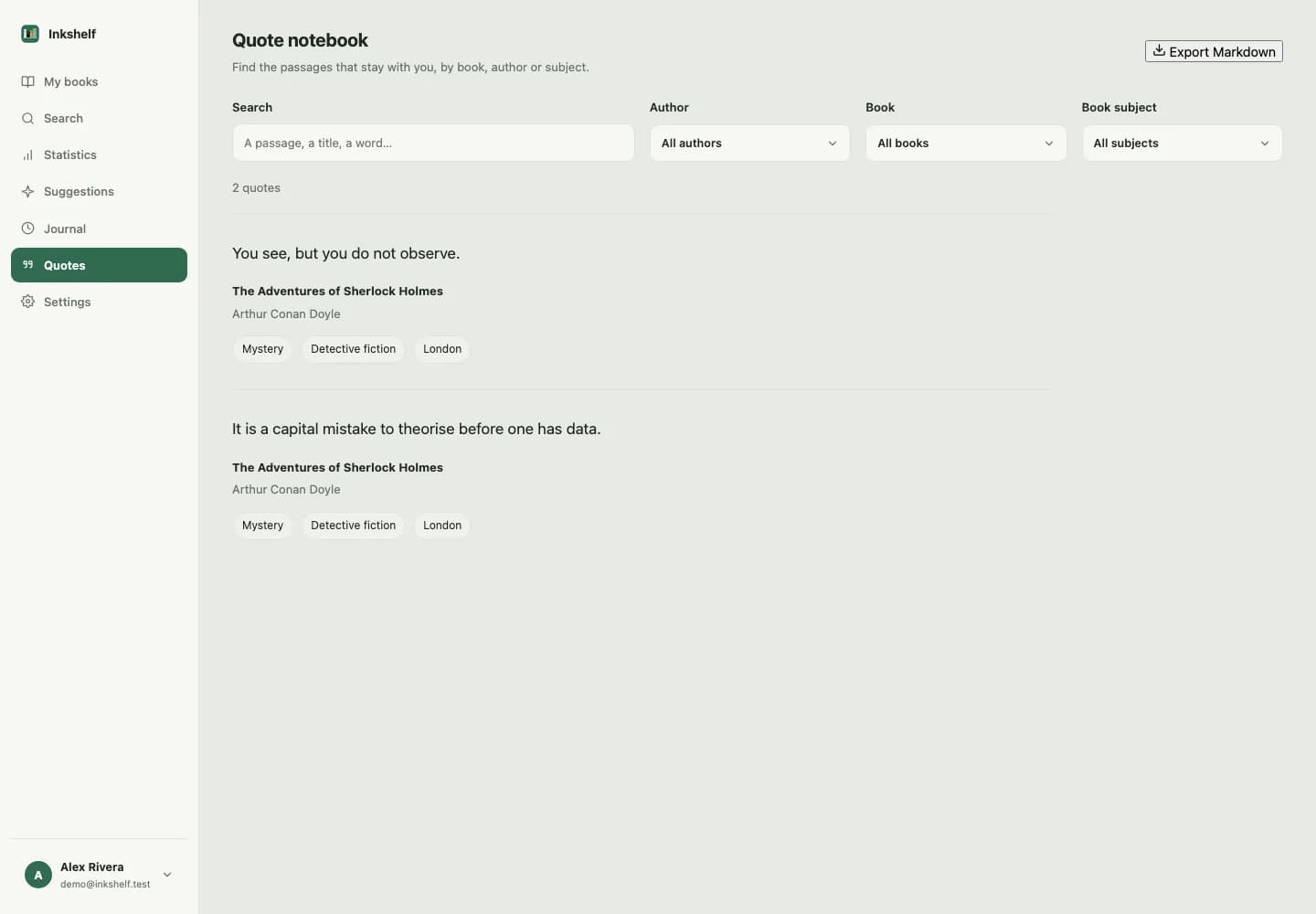
A passage is easier to find when its source stays with it. The notebook brings together quotes saved from your books.
Keep the text with its title, author and page number when available.
Search the text or filter by book, author and subject.
Export matching passages as Markdown with their sources.
Add a quote from a book and include its page if you know it.
Use the global notebook to search and filter your quotes.
Download filtered passages as Markdown with book references.
Yes. Search its text in the global notebook, then narrow the results by author or subject.
Quotes matching your filters and their book references, in Markdown format.
Add one, set your page and pick it up when you have time.
Create your account