Subjects come from your library
Books you have read and books you rated highly contribute subjects used to rank suggestions.
Suggestions use subjects from books you have read or rated highly. Each suggestion shows the subject connecting it to your library.
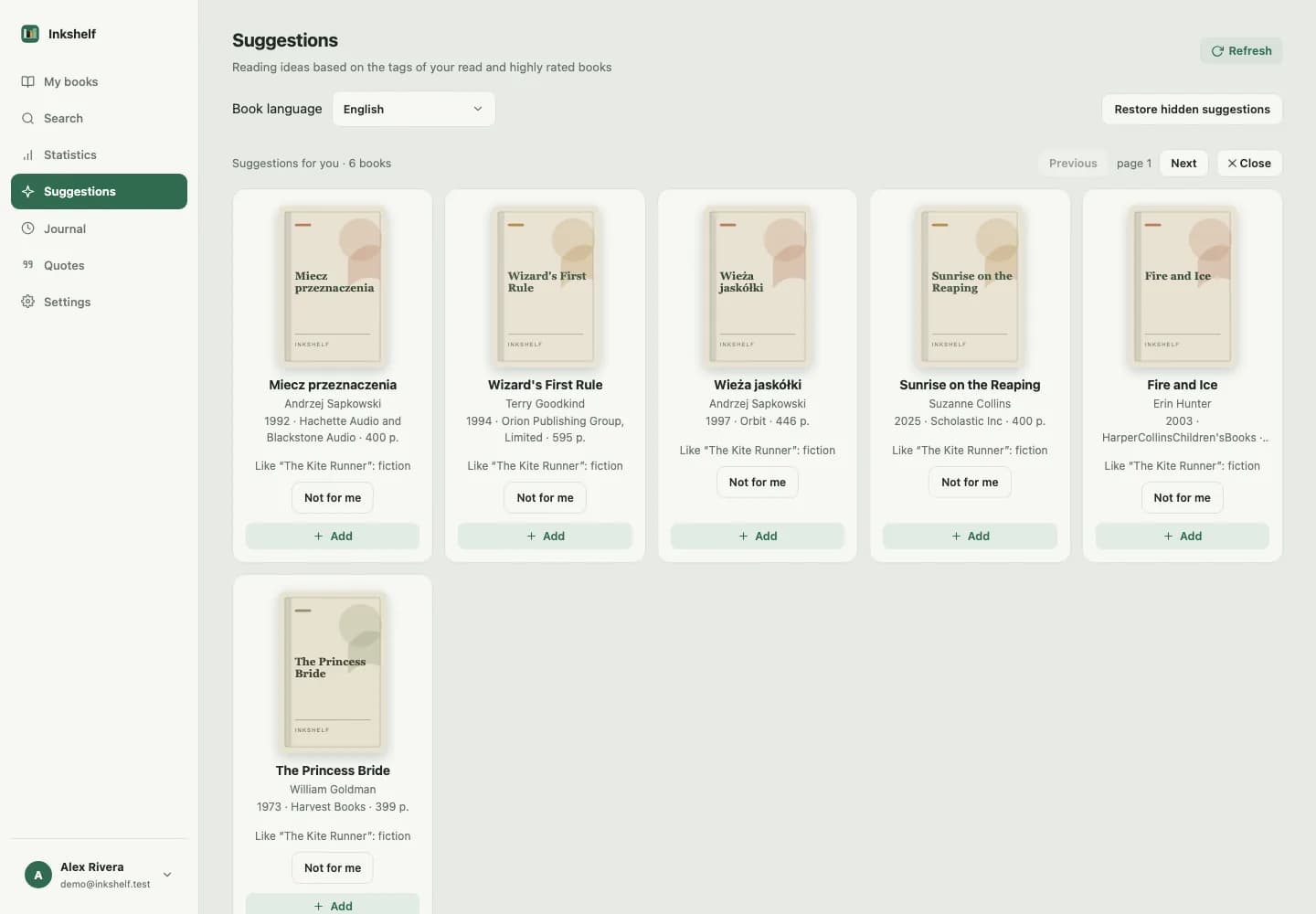
Inkshelf finds recurring subjects in books you have read or rated highly, then compares them with subjects in suggested books.
Books you have read and books you rated highly contribute subjects used to rank suggestions.
Each suggestion shows the matching subject and the book in your library that contributed the signal.
Choose a preferred language, dismiss a suggestion or restore it later.
Subjects from books you have read or rated highly feed suggestions.
See which subject and which book explain each suggestion.
Add the book to your library or hide the suggestion.
One or more of its subjects match subjects in books you have read or rated highly. The page shows the connection.
Yes. You can restore dismissed suggestions from the suggestions page.
Add one, set your page and pick it up when you have time.
Create your account